Hu777 INDIA · APP GUIDE

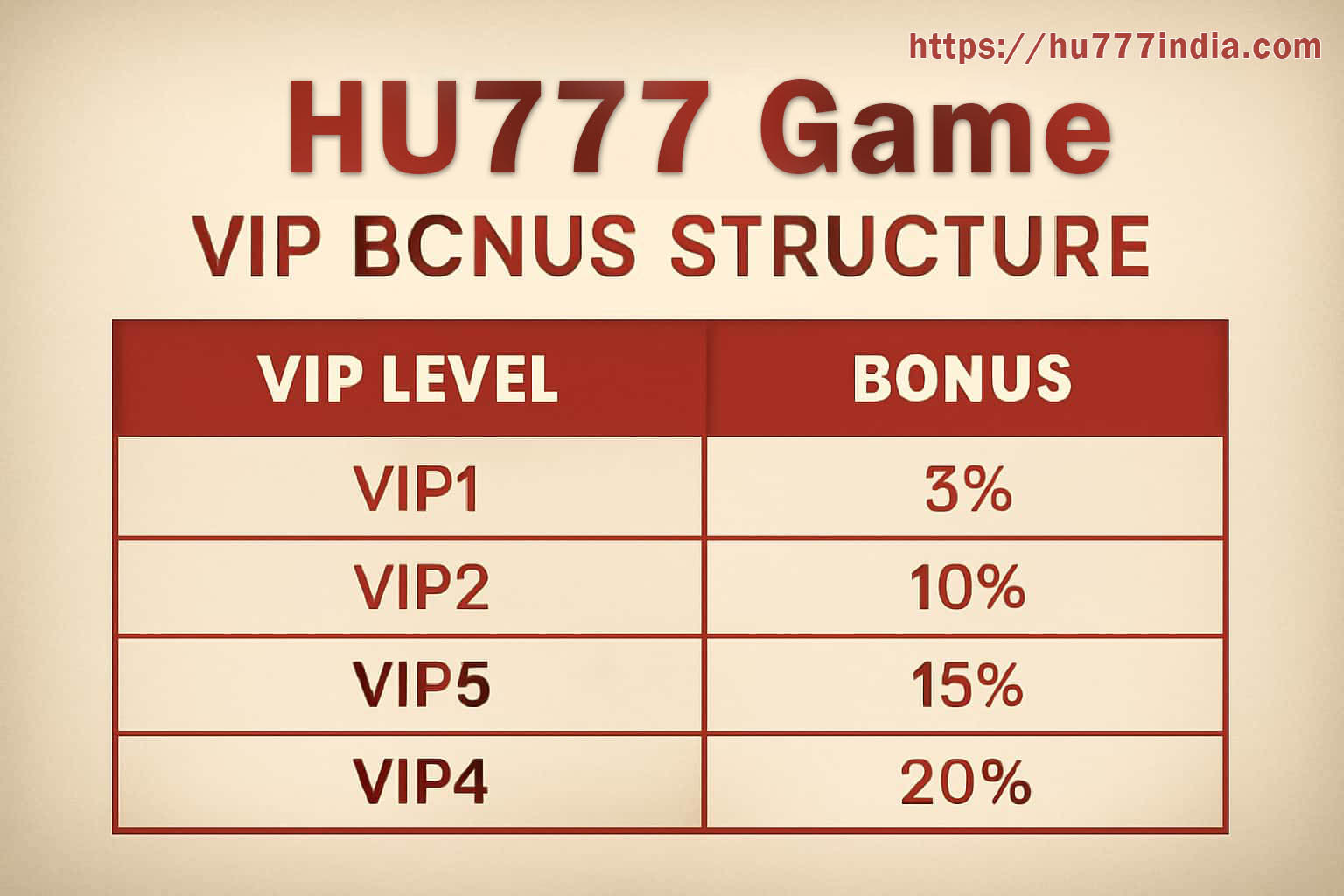
Hu777 VIP level and member benefit overview

Hu777 VIP: Levels, Benefits and Status

Hu777 shows membership progress inside the account. The level, review period and benefits may change with activity, verification and the current programme, so another user’s old screenshot is not a reliable reference.

Before using a benefit, read its eligibility, activation step and closing time. Convert an unfamiliar time zone and keep the original wording.

The signed-in Hu777 membership page is the current source for your level and available benefits.

RELATED GUIDES

BEFORE YOU CONTINUE

The details that make a difference

How the Current Level Is Shown

Open the membership screen and note the review window as well as the level itself. Qualifying activity, profile checks and programme rules may all affect what appears.

Benefits Can Differ by Account

Event access, account-specific offers or a priority help route may be attached to one level but not another. Trust the list shown to your own profile.

Read the Conditions Before Claiming

Check the activation control, eligible activity, usage limit and expiry. A benefit is useful only when it fits the time and spending limits you already follow.

Member Events Use Separate Rules

A VIP event can set its own format, scoring table, tie-break and result schedule. Save that page before joining instead of relying on the general membership description.

Prepare a Focused Support Note

When access is missing, include the displayed level, benefit name, time shown on screen and one readable screenshot. Never add a password or one-time verification code.

Check Simple Causes First

Confirm that the account is verified, the campaign is still open and any Join or Claim button was used. These checks often explain a missing member feature.